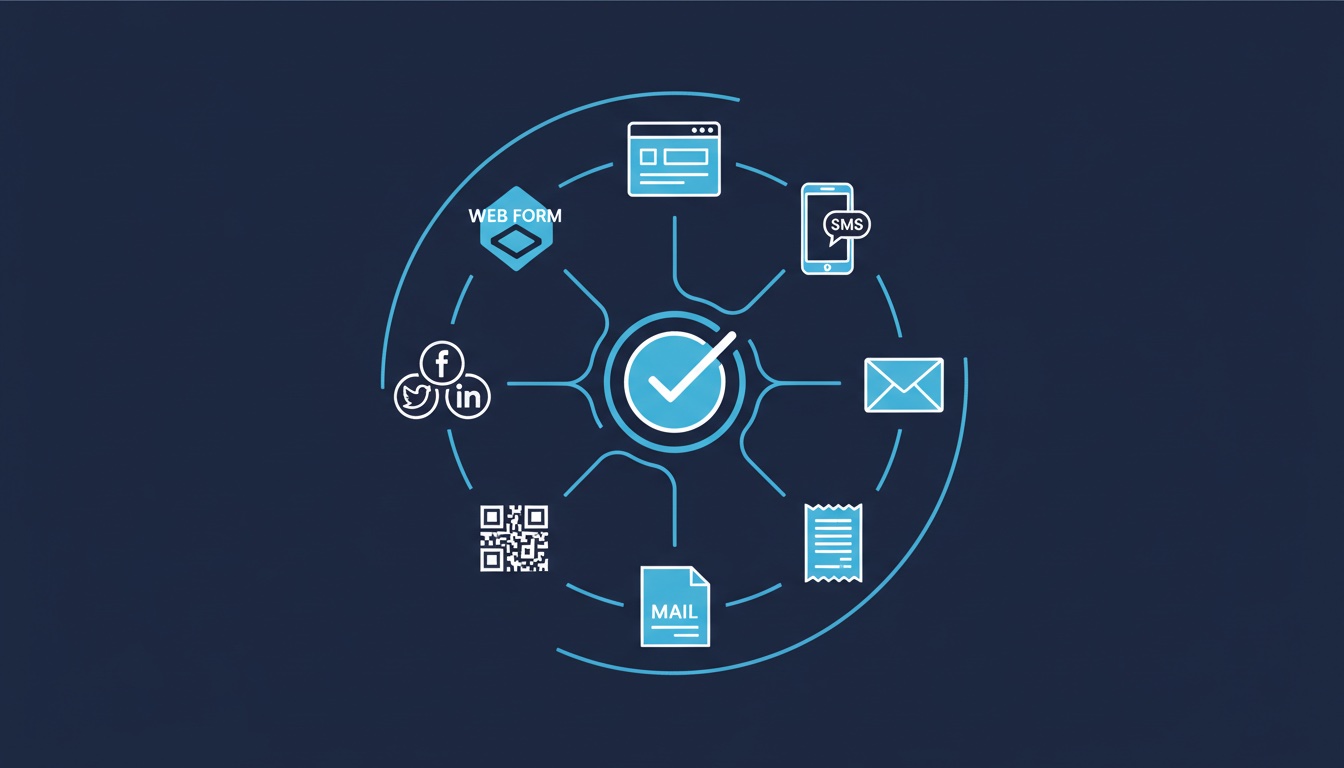
Revup purchase sweepstakes are built for Shopify stores. Eligible Shopify orders earn entries according to your promotion settings, while alternate-entry settings support the free route you define and administer. Retail receipt OCR, point-of-sale feeds, and booking or loyalty imports are not native purchase-sweepstakes workflows.
How Shopify Purchase Sweepstakes Work
Plan and configure the promotion
Connect your Shopify store
Install Revup from the Shopify App Store and connect your store. If you already use Revup, choose “I already have a Revup account.” Verify the connection before launch.
Configure eligible orders and entry rules
Set the promotion window and the spend, product, order, and coupon rules you want to use. Review how those rules interact before publishing.
Define the free alternate-entry method
Document a free entry route, its limits, and how your team will administer it. Review its treatment alongside purchase-linked entries with your legal adviser.
Choose storefront placements
Use compatible Shopify storefront, Thank You, order-status, or customer-account placements. Import-only setup is available when widgets are not wanted.
Review entries and run the drawing
Check participant and order records, then use the configured drawing and winner-claim workflow. The sponsor verifies legal eligibility and delivers prizes.
Entry Calculation and Order Changes
Revup supports base entry rates, storewide boosts, order thresholds, coupon bonuses, and product rules. Order-level records preserve how entries were calculated. Eligible refunds, voids, and cancellations reduce or reverse associated entries.
Test representative orders and combinations of bonuses before launch. Make sure the public explanation matches the configured calculation and the dates in your official rules.
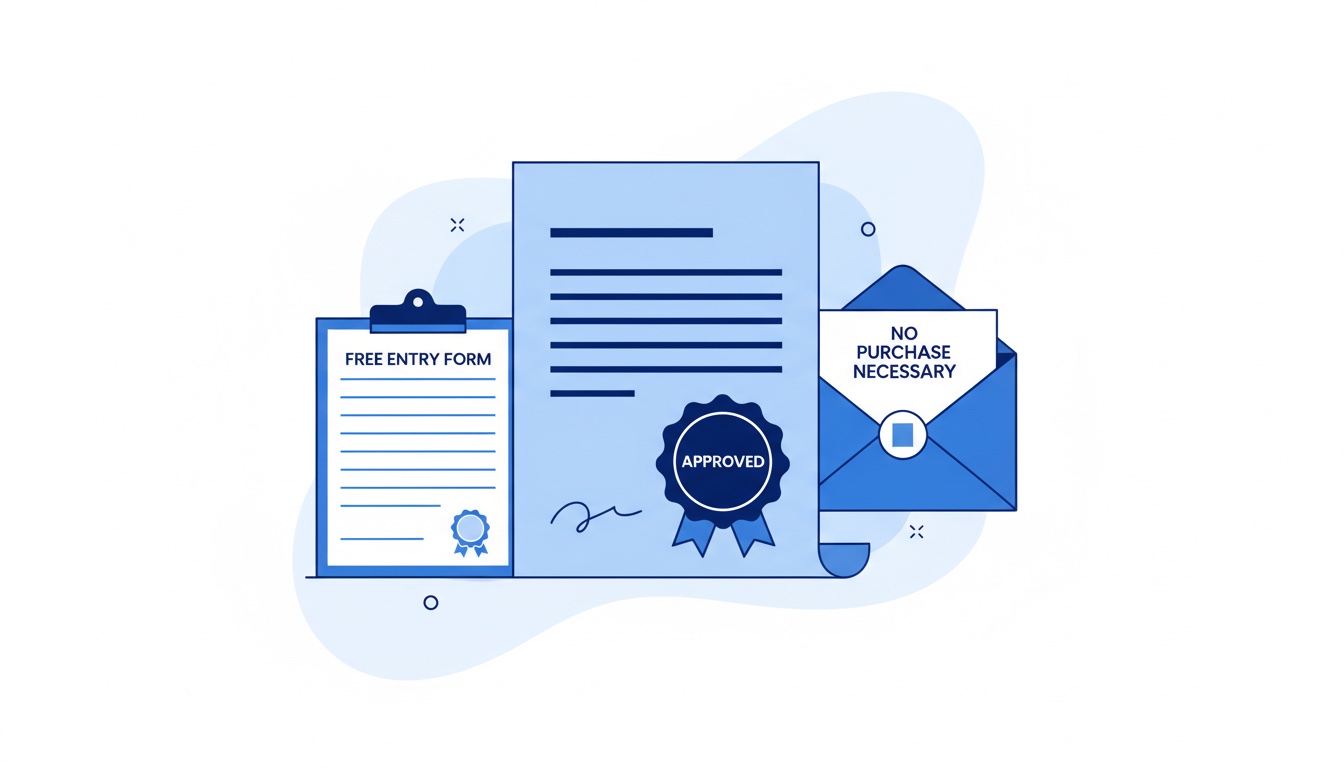
Free Alternate Entry
A purchase-linked sweepstakes needs an appropriately structured free alternative method of entry. Revup provides configuration tools; your team must operate the route, review eligibility and limits, and ensure the published rules fit the campaign and jurisdictions.
Do not describe a purchase as the only way to enter. See the AMOE guide and no-purchase-necessary overview for planning considerations.
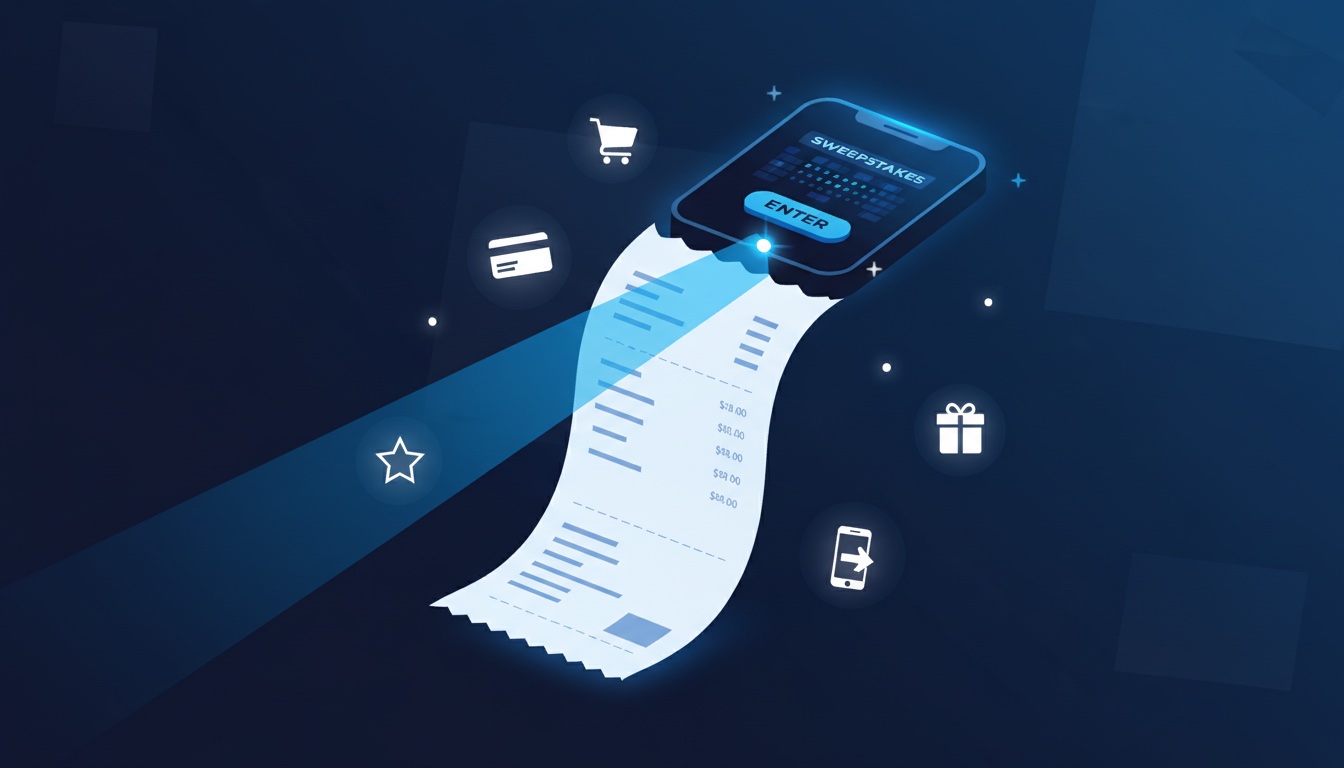
Retail Receipts and Other Purchase Systems
If a campaign depends on paper receipts, retailer loyalty accounts, offline point-of-sale records, or hotel bookings, it requires a separate verification and administration workflow. Uploading a receipt image to a form does not mean Revup has validated the purchase or calculated purchase entries from it.
Rules, Registration, and Eligibility
Revup generates an official-rules template from promotion settings. The sponsor must review the rules, determine any registration or bonding requirements, and handle filings and deadlines. The software does not automatically track state registration or guarantee compliance.
Winner Claims and Fulfillment
Use entry-weighted drawings and ranked alternates, then send a claim form to collect configured information. Revup can generate a W-9 and affidavit package and track fulfillment status. Your organization makes eligibility decisions, delivers prizes, and handles tax reporting; Revup does not file with the IRS or provide shipping and carrier tracking.
Measure the Campaign
Review eligible orders and entry activity, then combine them with campaign costs, margins, and a suitable sales baseline. Account for refunds and other concurrent offers. More orders during a promotion do not prove that the promotion caused every sale.
Use the ROI measurement guide to distinguish attributed revenue from incremental profit.
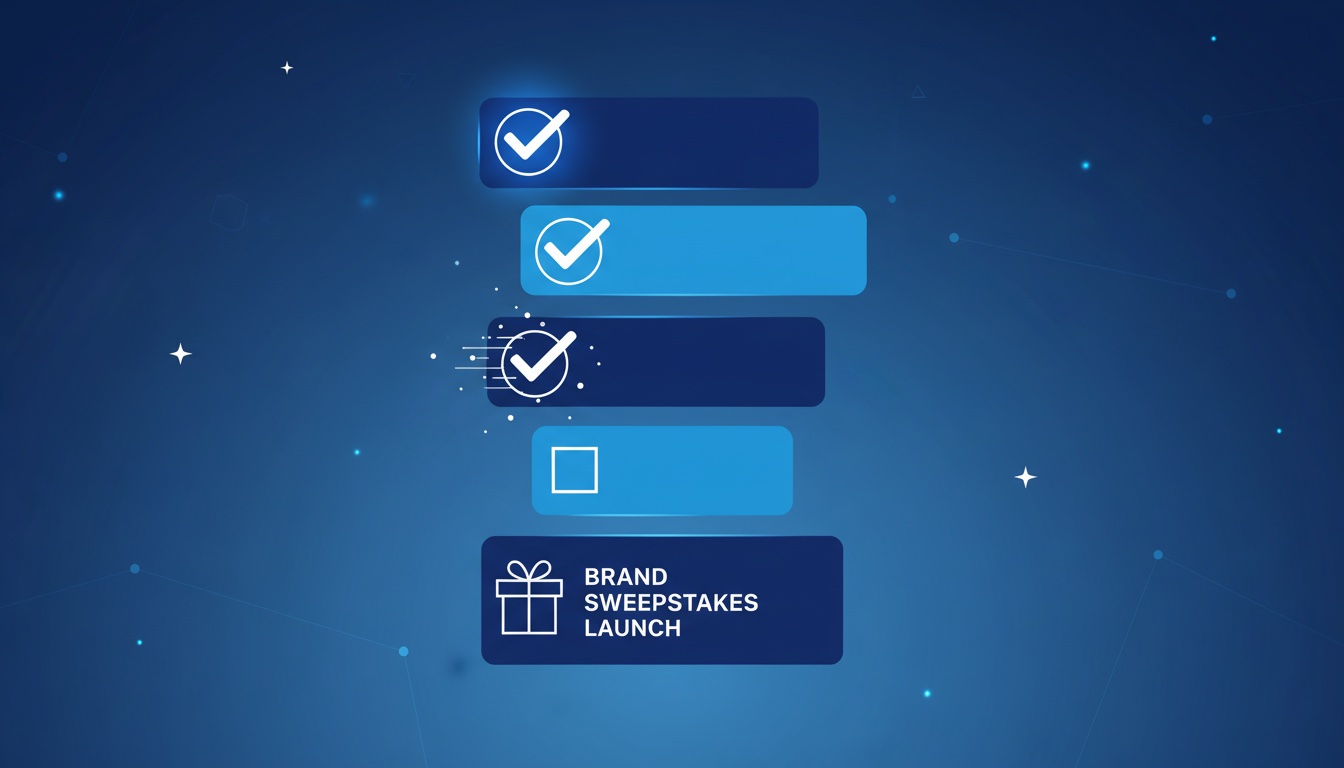
Launch Checklist
Before publishing
- Shopify connection and eligible order window checked
- Entry calculations and bonus combinations tested
- Free alternate-entry method configured, reviewed, and assigned to an operator
- Official rules and any registration requirements reviewed
- Storefront placements or import-only setup verified
- Winner claims, prize delivery, and tax responsibilities assigned
- Costs, baseline, and reporting period recorded
See Shopify purchase sweepstakes for the supported workflow and winner management for claim and fulfillment controls.